Viktor vs OpenClaw:From DIY Agent to AI Coworker

OpenClaw proved the world wants AI agents that do real work. Viktor is what happens when you want it to just work, without the setup, the security risks, or the solo experience.

Last updated: March 2026

Viktor

Viktor is a managed AI coworker that lives in your Slack or Microsoft Teams, connects to 3,000+ business tools via one-click OAuth, and works for your entire team from day one.

Choose Viktor when you need a secure, team-ready AI coworker with managed integrations, professional deliverables, and zero infrastructure to maintain.

3,000+ integrationsSOC 2 compliantCredentials never touch the AI
OpenClaw

OpenClaw is a free, open-source AI agent you install on your own machine or cloud VM. It supports multi-platform messaging and gives you full control over models and data.

Choose OpenClaw if you want full local control, multi-platform messaging, and model flexibility.

Feature
Viktor
OpenClaw
What it is

Managed AI coworker that lives in your Slack or Microsoft Teams. Connects to your tools and does real work for your entire team.

Open-source AI agent you install on your own machine or cloud VM. Configured via CLI and JSON config files.

Where it lives

Inside your Slack or Microsoft Teams workspace. You @mention Viktor like a colleague.

Runs on your machine or cloud VM. You interact through WhatsApp, Telegram, Slack, Discord, Signal, iMessage, or WebChat. Requires a daemon running 24/7.

Setup

Install from Slack App Directory. Connect integrations via OAuth. Free to start. Under 5 minutes.

Install Node.js, run CLI commands, edit JSON config files, and manage a background daemon. Updates are manual and may require configuration changes.

Integrations

3,000+ managed integrations with real read/write access via one-click OAuth. Connect to Stripe, HubSpot, Meta Ads, Google Ads, GitHub, Notion, Linear, and more.

50+ built-in integrations and 2,800+ community skills on ClawHub. Many require generating API keys and editing config files. Quality and maintenance vary across community skills.

Security

SOC 2 compliant. GDPR aligned. CCPA compliant. Credentials stored server-side only. The AI never sees your API keys or passwords.

Credentials stored in plaintext config files the agent can read. Documented RCE issues, malicious skills, and exposed public instances make business use materially riskier.

Team features

One person adds Viktor to Slack, whole team uses it. Private conversations, layered permissions, shared context, admin dashboard for usage and costs.

A shared instance can serve multiple users, but there are no admin controls, no role-based permissions, no team dashboard, and no centralized usage management.

Approval system

Viktor previews actions before executing. You approve or reject, then relax approvals per action type as you build trust.

Has skill-level confirmation prompts, but no built-in per-action approval UI. More granular flows depend on community plugins.

Proactivity

Contextual. Viktor watches how your team works in Slack, identifies repetitive tasks, and proposes automations you did not think to set up.

Schedule-based and heartbeat-driven. It can wake up, check conditions, and act autonomously on a timer, but only runs what you configure.

Deliverables

Board-ready PDFs, Excel spreadsheets, PowerPoint decks, full-stack web applications, and code commits with professional formatting.

Text responses and files generated through community skills. Native PDF exists, but quality depends on the skill used and there is no built-in polished formatting.

AI model

Routes tasks to the best available model automatically, including Claude, GPT-4o, o3, and Gemini models. Managed model selection and orchestration.

Bring your own model: Claude, GPT, Grok, local models via Ollama, or 300+ models via OpenRouter. Full flexibility, but you optimize the chain yourself.

Hosting

Cloud-hosted. Nothing to install, maintain, or keep running. Updates arrive automatically.

Self-hosted on your machine or cloud VM. Requires a daemon running 24/7.

Scheduled tasks

Built-in cron system with conditional execution. Daily reports, weekly audits, and monthly reconciliations run only when something meaningful changes.

Built-in cron scheduler with recurring and one-shot timers. Requires the gateway daemon running 24/7 and runs on schedule regardless of context.

Your credentials stay out of the AI's reach.

OpenClaw stores API keys and passwords in plaintext config files on your machine, and the agent reads those files directly. That architecture gives technical users flexibility, but it also concentrates risk around the host machine, the config surface, and third-party skills.

Viktor connects integrations through OAuth and keeps credentials server-side. The AI can act through scoped integrations, but never holds the raw tokens, keys, or passwords. That's the difference between an agent you operate and a coworker you can safely roll out to a team.

OpenClaw has improved its security defaults, but if you're deploying AI into business systems, credential isolation and managed security controls are not optional.

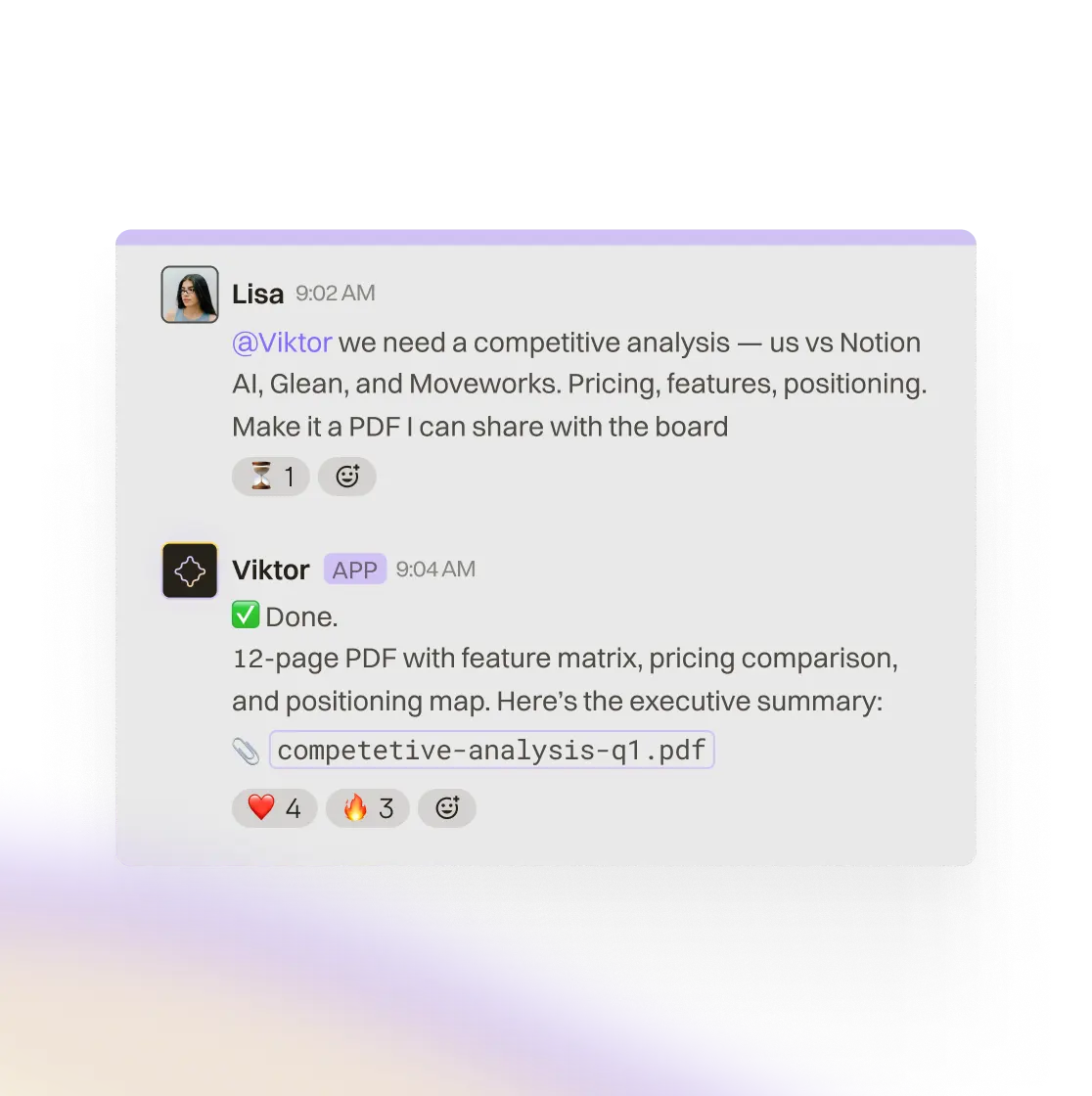
Slack workflow and AI task execution inside Viktor

One person adds it. The whole team uses it.

A single OpenClaw instance can serve multiple users through shared Slack or Discord channels. But there are no admin controls, no role-based permissions, no team dashboard, and no centralized usage management. Everyone sees the same agent with no private conversations or per-role access controls.

Viktor is built for the opposite experience. One person adds it to Slack, and the whole team starts using it immediately. Each person gets private conversations, admins decide which integrations each role can access, and the company benefits from shared memory.

That matters operationally. When Viktor learns your account structure, reporting cadence, or workflow conventions, the context compounds across the team instead of staying trapped in one operator's config.

Viktor working inside Slack with shared team context

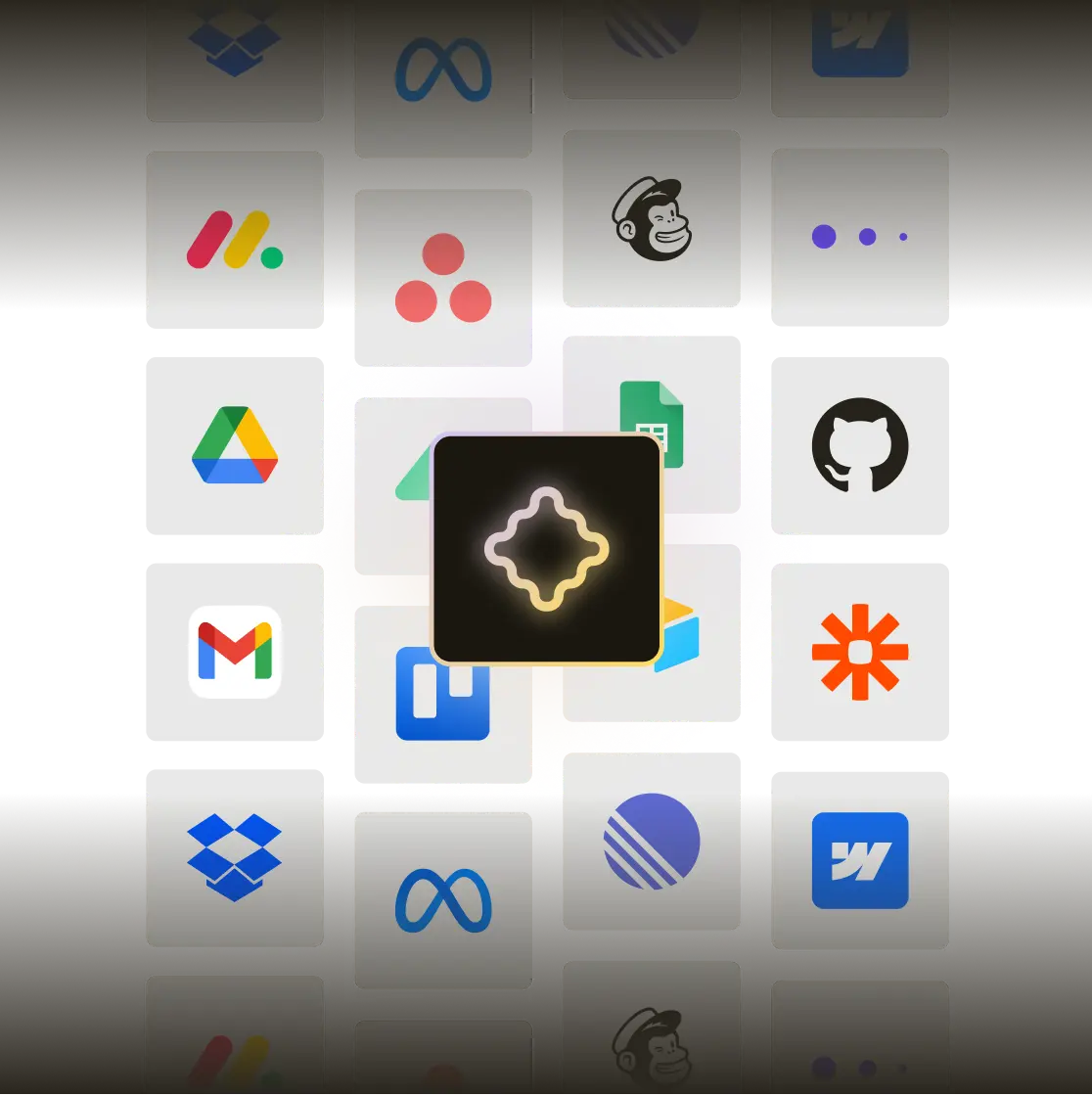
3,000+ integrations vs. register, generate, paste, debug.

Viktor connects to over 3,000 business apps with one click each. You click connect, authorize via OAuth, and the integration goes live. It takes seconds, not a setup session.

OpenClaw has strong flexibility: built-in integrations, a community marketplace, broad model support, and messaging across channels like Telegram, Slack, and Discord. But most business integrations still mean generating API keys, editing config files, and debugging the chain yourself.

Viktor also handles model routing, prompt tuning, and tool orchestration for the business tasks teams actually run. With OpenClaw, you get freedom. With Viktor, you get a managed system that produces reliable outcomes faster.

Viktor connecting multiple business tools in one workflow

When to Choose OpenClaw vs Viktor

Choose OpenClaw if:

You want full local control over your AI agent and your data

You enjoy tinkering with config files, CLI tools, and self-hosted infrastructure

You want to interact with your agent via WhatsApp, Telegram, Discord, Signal, or iMessage

Privacy is your top concern and you want zero data leaving your machine

You want specific local models or your own model configuration from 300+ options

Budget is the primary constraint and you are comfortable managing the security tradeoffs

Choose Viktor if:

You need your team to share one AI coworker with permissions and shared context

Security matters and you need credentials that never touch the AI

You want 3,000+ integrations connected via one-click OAuth, not manual API key management

You need professional deliverables like PDFs, Excel reports, and web applications

You want proactive automation discovery based on how your team actually works

You need scheduled tasks with conditional execution running 24/7 without keeping a machine alive

You want it working out of the box, without CLI setup or daemon management

FAQ

Viktor and OpenClaw both belong to the AI agent category, but they serve different users. OpenClaw is a free, open-source agent for technical users who want full local control. Viktor is a managed AI coworker built for teams that need security, shared access, and one-click integrations.

Viktor is free to start with no credit card required. OpenClaw is free and open-source, though you still pay separately for compute, hosting, and model API access.

OpenClaw has had documented security concerns around remote code execution, malicious skills, and exposed public instances. For business use with access to company data and tools, those risks matter. Viktor is built around managed security controls and server-side credential handling so the AI never sees your raw keys or passwords.

Yes. One person adds Viktor to Slack and the whole team can use it immediately. Each person gets private conversations, and admins control integrations, permissions, and usage centrally. OpenClaw can serve multiple users through shared channels, but it does not provide the same team management model.

OpenClaw offers more raw model flexibility because you can wire up Claude, GPT, Grok, Ollama, or OpenRouter yourself. Viktor optimizes differently: it routes each task to the best available model automatically and manages the orchestration server-side.

Yes. Install Viktor from the Slack App Directory, connect your integrations via OAuth, and start using it. Your team can be up and running in under 5 minutes without migrating config files or maintaining a daemon.

Viktor works in Slack and Microsoft Teams. OpenClaw can connect through WhatsApp, Telegram, Slack, Discord, and other messaging apps. Viktor is optimized for team collaboration, permissions, and shared context in work chat environments.

Start free.Pay only when you're ready.

Every feature. Every integration. $100 in credits on the house. No credit card, no sales call, no catch. When you need more, it starts $50/month.

3,000+ integrations
Slack and Teams
Reports, dashboards, apps
Code and PR reviews
SOC 2 compliant