Viktor vs Tasklet:Real Work vs Reports

Tasklet automates the reporting. Viktor automates the work. One tells you what happened. The other helps you do something about it.

Last updated: March 2026

Viktor

Viktor is an AI coworker that lives in your Slack, connects to 3,000+ tools, and is fully conversational: you ask follow-up questions, request changes, and delegate actions in the same thread.

Choose Viktor when you need an AI you can talk to, act on insights interactively, and get polished professional deliverables.

3,000+ integrationsSOC 2 compliantConversational in Slack
Tasklet

Tasklet is an AI automation platform from the Shortwave team. You describe workflows in plain English and it runs them on a schedule.

Choose Tasklet if you want scheduled, hands-off automation with results posted to Slack.

Feature
Viktor
Tasklet
What it is

Managed AI coworker that lives in your Slack. Connects to your tools, takes actions, and delivers finished work.

AI automation platform. Describe workflows in plain English, and Tasklet runs them on a schedule.

Where it lives

Inside your Slack or Microsoft Teams workspace. Two-way conversation.

Web app for setup. Posts one-way reports to Slack channels.

Slack interaction

Fully conversational. Ask follow-up questions, request changes, and delegate actions directly in Slack threads.

One-way. Scheduled reports land in Slack, but interaction happens back in tasklet.ai.

Proactivity

Contextual. Viktor reads Slack channels, spots repetitive patterns, and DMs personalized automation proposals.

Trigger-based. Runs automations on schedule or webhook. Does not observe team behavior or suggest new workflows.

Integrations

3,000+ managed integrations with real read/write access via one-click OAuth.

3,000+ pre-built integrations plus HTTP APIs, MCP servers, and browser automation. Some require API keys or MCP setup.

Can it take action?

Yes, conversationally. Drafts emails, generates documents, creates PRs, builds and deploys web apps, updates CRM records, and manages ad campaigns.

Yes, primarily through automated triggers rather than conversation. Actions happen behind the scenes on schedule.

Deliverables

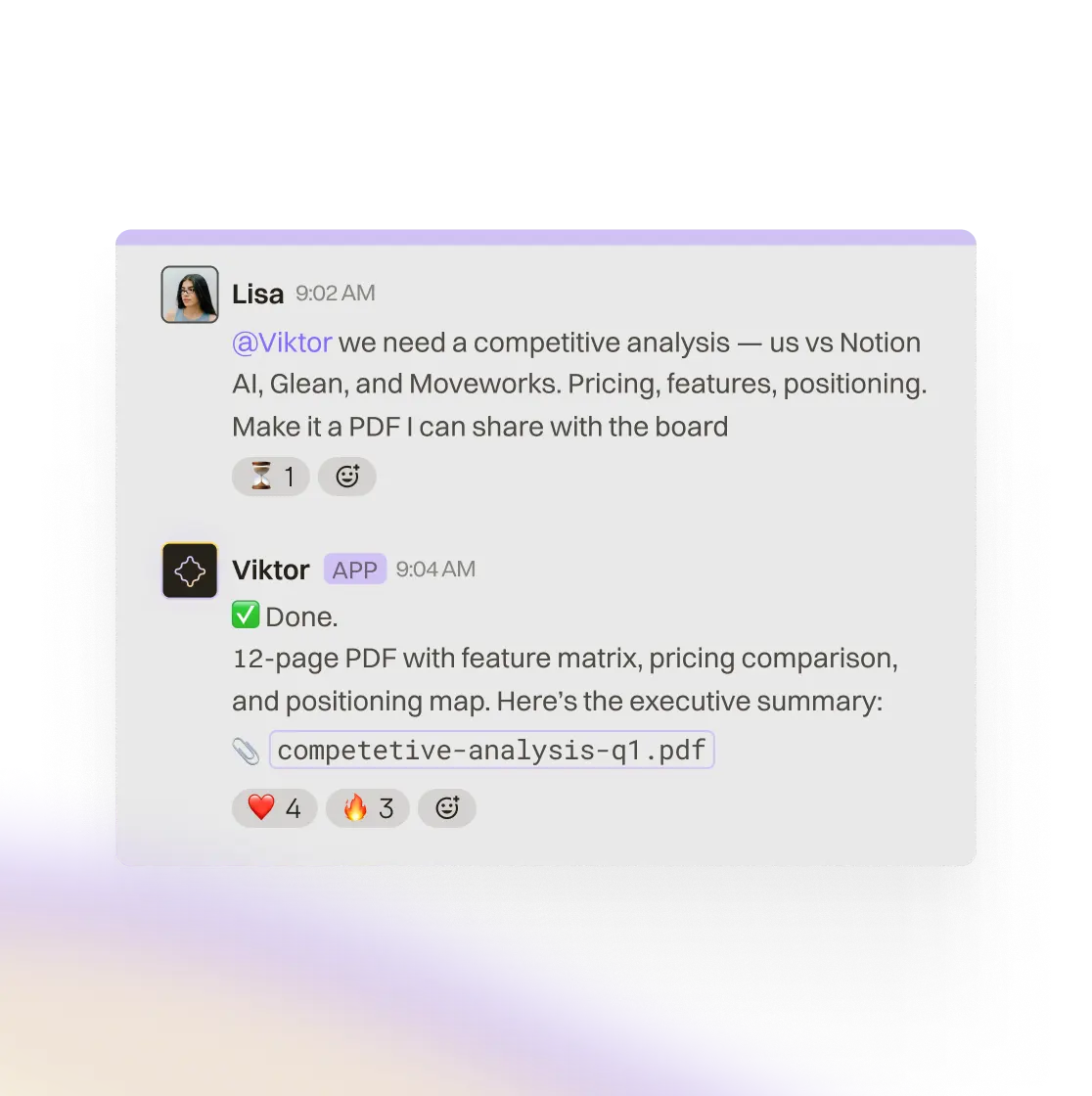
Board-ready PDFs, Excel spreadsheets, PowerPoint decks, full-stack web apps, and code commits with professional formatting.

Sandbox VM can generate files like Excel, PDF, charts, images, and video. No deployed web apps or polished board-ready documents.

Scheduled tasks

Built-in cron system with conditional execution. Viktor only bothers you when something meaningful changes.

Scheduled, webhook, and email triggers. Runs on the configured trigger regardless of context.

Memory

Persistent skill system shared across your entire team. Viktor learns your company, tools, preferences, and processes over time.

Per-agent SQL memory. Each agent learns independently, but there is no shared knowledge across agents.

Adapts output

Yes. Viktor adapts the format and emphasis based on urgency, context, and what matters that day.

AI-generated output is based on current data, but the structure does not adapt much to urgency or team context.

Team use

Multi-user Slack workspace with shared context, shared memory, and admin controls.

Multi-user web app.

AI model

Defaults to Claude Opus with managed upgrades and no lock-in to a single provider.

Primarily Anthropic models, with some Gemini usage on standard tier depending on plan.

Security

SOC 2 compliant. GDPR aligned. CCPA compliant. Credentials never exposed to AI.

Enterprise security is on the roadmap, not generally available.

Setup

Install from Slack App Directory. Connect integrations via OAuth. Free to start. Under 5 minutes.

Web-based agent builder. Describe workflows in plain English. Free tier plus Pro at $35/mo.

Conversational where your team works. Not one-way reports.

Tasklet posts scheduled reports to your Slack channels. When a briefing flags a stalled deal, you cannot just reply in Slack with follow-up questions or ask it to draft the next step. The report lands in Slack. The conversation happens somewhere else.

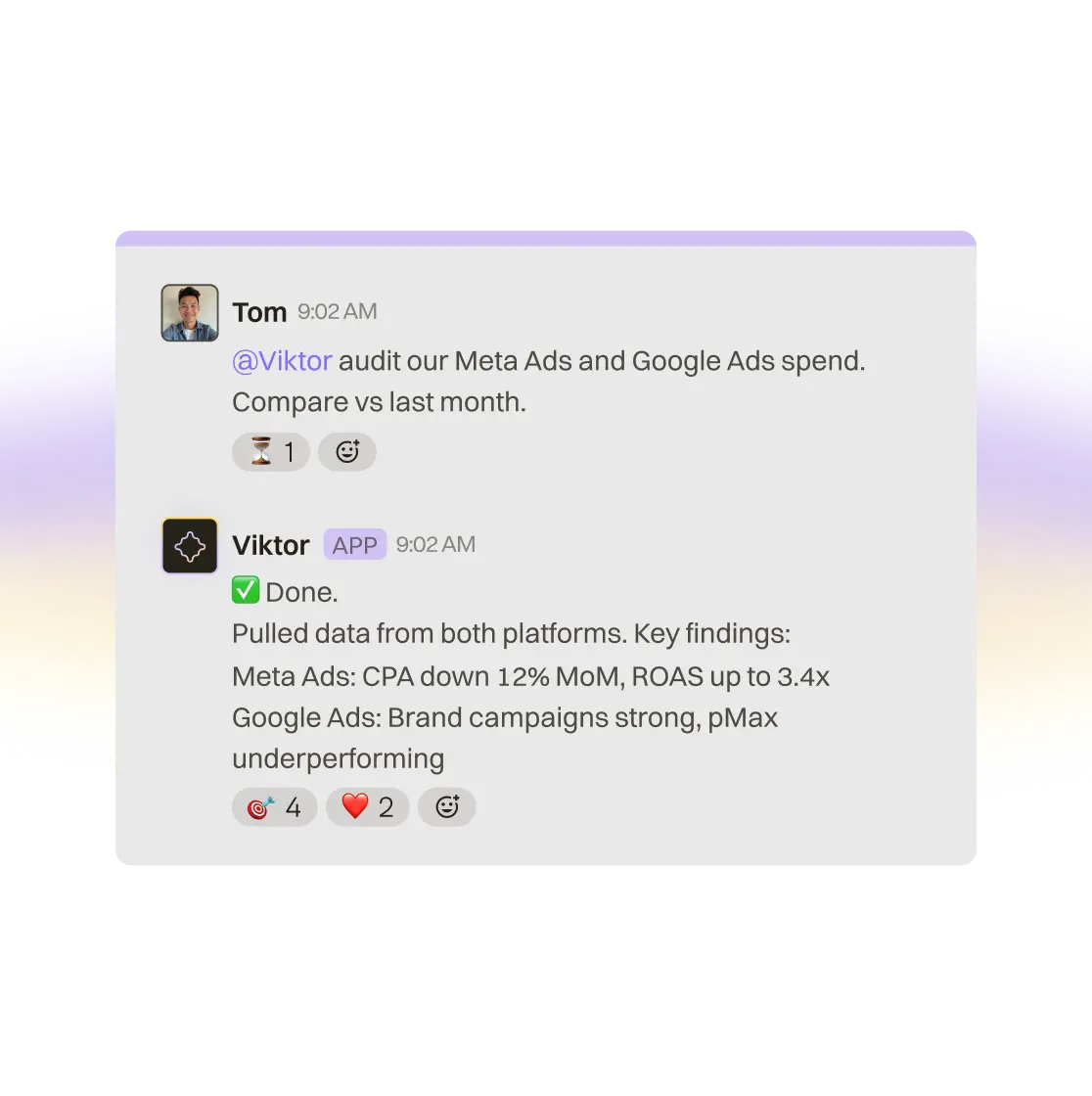
Viktor is conversational where your team already works. When it posts a morning brief, you reply right in Slack: ask for more detail, request a follow-up email, or tell it to take the next action. No tab-switching, no context loss.

The data, the conversation, and the execution all happen in one place.

Slack workflow and AI task execution inside Viktor

From insight to action in the same conversation.

Tasklet can connect to tools, draft emails via Shortwave, and generate files through its sandbox VM. It is not limited to static reports. But those actions happen behind the scenes, triggered on schedule, separate from where your team reads the results.

Viktor closes the loop directly in Slack. If a brief flags a stalled deal, you reply in the thread and ask for a re-engagement email. Viktor pulls CRM context, drafts the email, and posts it for approval in the same conversation.

The differentiator is not whether both tools can act. It is whether your team can go from insight to action without leaving the thread.

Viktor working inside Slack with shared team context

Output that adapts to what matters today.

Tasklet uses AI agents with real reasoning, and its output is generated from current data. But the format and focus do not adapt much to urgency or context. A critical deadline day and a quiet weekend often get the same report structure.

Viktor adapts. Before a board meeting it emphasizes the metrics and prep that matter. On a quiet day it keeps the brief short. It also goes beyond the workflows you already built by proposing new automations based on how your team actually works.

Tasklet runs what you configure. Viktor helps you discover what should exist next.

Viktor connecting multiple business tools in one workflow

When to Choose Tasklet vs Viktor

Choose Tasklet if:

You need simple, scheduled automations pushed to Slack

You are a solo operator with straightforward reporting needs

You do not need to interact with results in Slack

You want a low-cost entry point for basic automation

You are already using Shortwave for email and want automation within that ecosystem

Enterprise security features are not a requirement today

Choose Viktor if:

You want an AI you can talk to in Slack, not just read reports from

You need action: email drafts, document generation, CRM updates, and code changes

You want intelligence that adapts format and focus to what matters today

You need professional deliverables like board-ready PDFs, Excel models, and PowerPoint decks

Your team needs shared context and one coworker that works for everyone

Security is non-negotiable and you need SOC 2, credential isolation, and approvals

You want proactive automation discovery, not just the workflows you set up yourself

FAQ

Yes. Both Viktor and Tasklet can deliver scheduled reports and automate recurring workflows. The difference is what happens after the report arrives. Tasklet posts information. Viktor posts information and helps you act on it directly in Slack.

Viktor is free to start with no credit card required. Tasklet also offers a free tier, with Pro priced at $35/mo.

No. Tasklet posts scheduled reports to Slack channels, but you cannot reply to them conversationally there. To chat with your agent, you go back to the Tasklet web app. Viktor is conversational in Slack by design.

Tasklet can connect to tools, draft emails via Shortwave, and generate files through its sandbox VM. Viktor goes further by being fully conversational in Slack, producing more polished professional deliverables, maintaining shared memory across the team, and proactively suggesting new automations.

Yes. Viktor's built-in cron system handles recurring reports, daily briefings, pipeline summaries, competitor digests, and other workflows. It then extends those reports with interactive follow-ups, document generation, and real action-taking.

Yes. Install Viktor from the Slack App Directory, connect your integrations via OAuth, and start working. Viktor can replicate scheduled workflows and then extend them with conversational follow-ups, professional deliverables, and real actions.

Start free.Pay only when you're ready.

Every feature. Every integration. $100 in credits on the house. No credit card, no sales call, no catch. When you need more, it starts $50/month.

3,000+ integrations
Slack and Teams
Reports, dashboards, apps
Code and PR reviews
SOC 2 compliant