13000+ workspaces hired Viktor

Your firstAI coworker.

Viktor lives in Slack, connects to 3,000+ tools, and does the work.

Get Started For Free
Strategy Breakdowns readers
$100 in Free Credits

The best teams I study don't hire more people for every gap. They give their existing team better leverage. Viktor is that leverage, living right in Slack.

Tom Alder
Tom AlderFounder of Strategy Breakdowns125,000+ subscribers.
Built by engineers from:
Backed by:
Why
Tom
Tom
Recommends Viktor
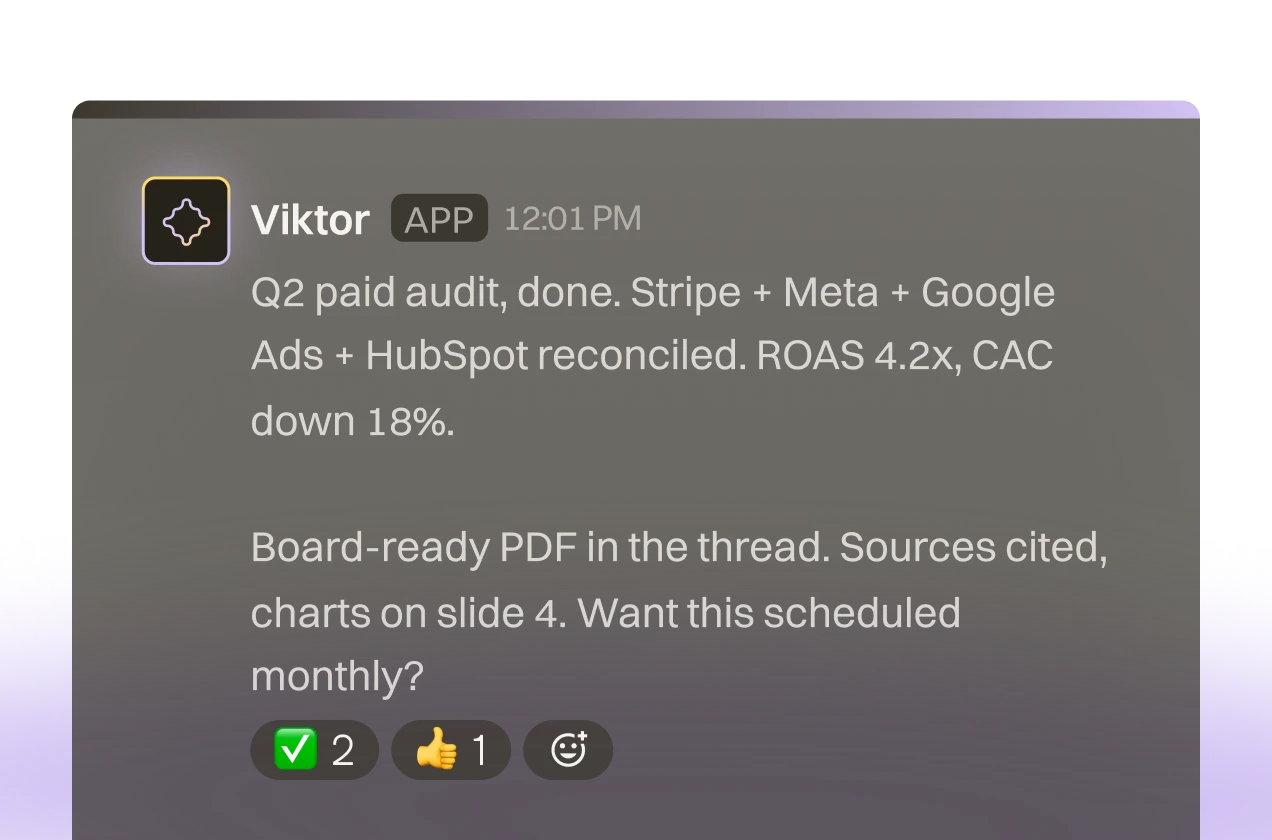
Cross-Tool Strategy Reports

Cross-Tool Strategy Reports

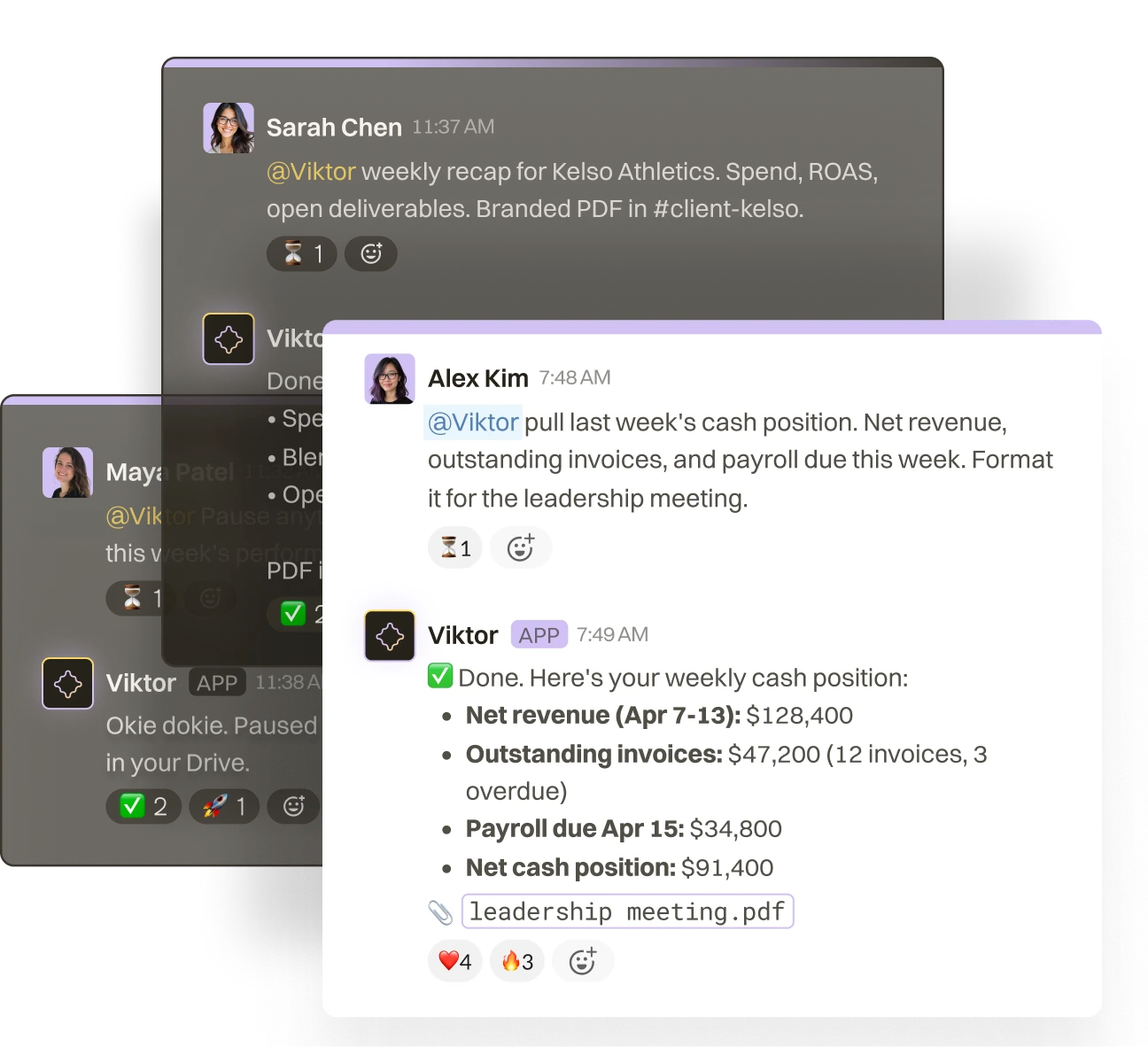
Pull data from Stripe, Meta Ads, Google Analytics, and HubSpot in one Slack message. Viktor delivers a board-ready PDF, not a wall of text.
Automated Weekly Briefings

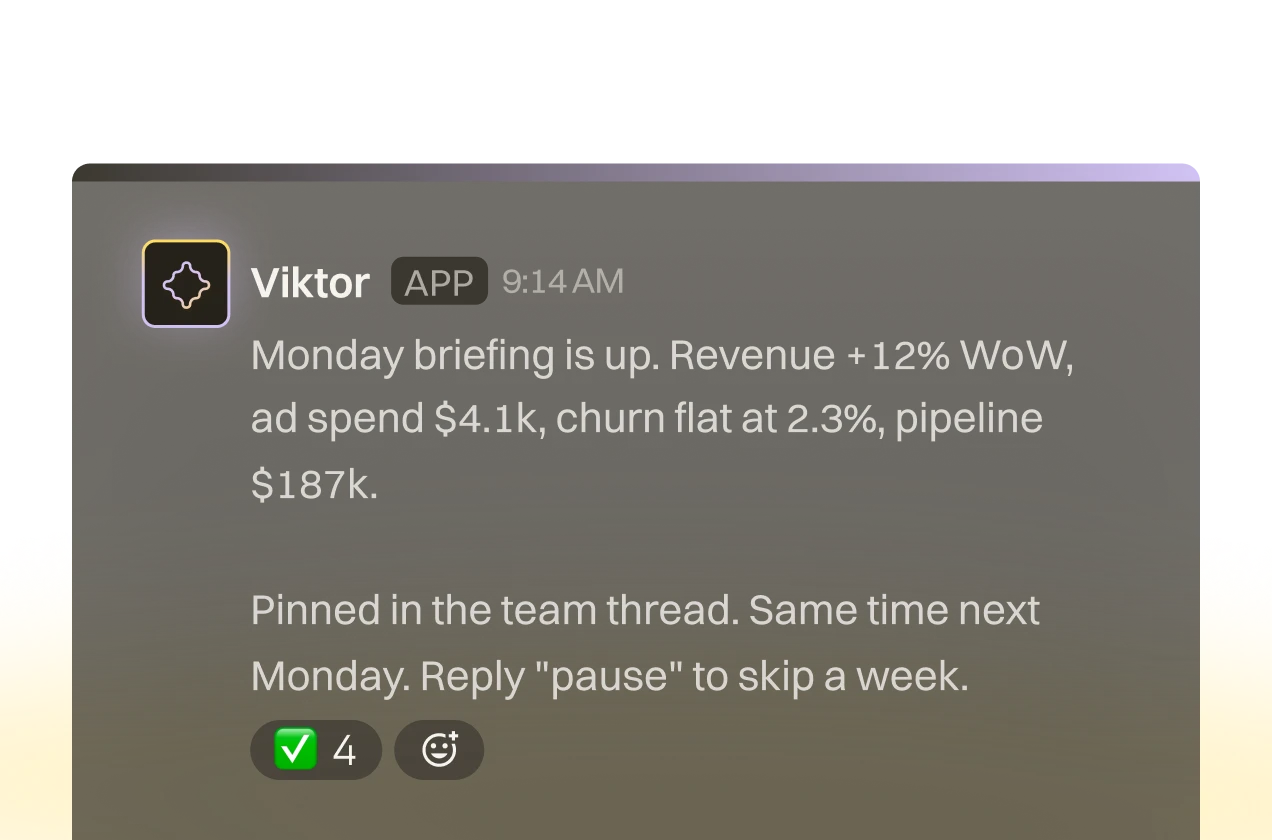
Automated Weekly Briefings

Viktor runs scheduled reports every Monday: revenue, ad spend, churn, pipeline. Your team gets the numbers before standup.
Internal Tools from a Slack Message

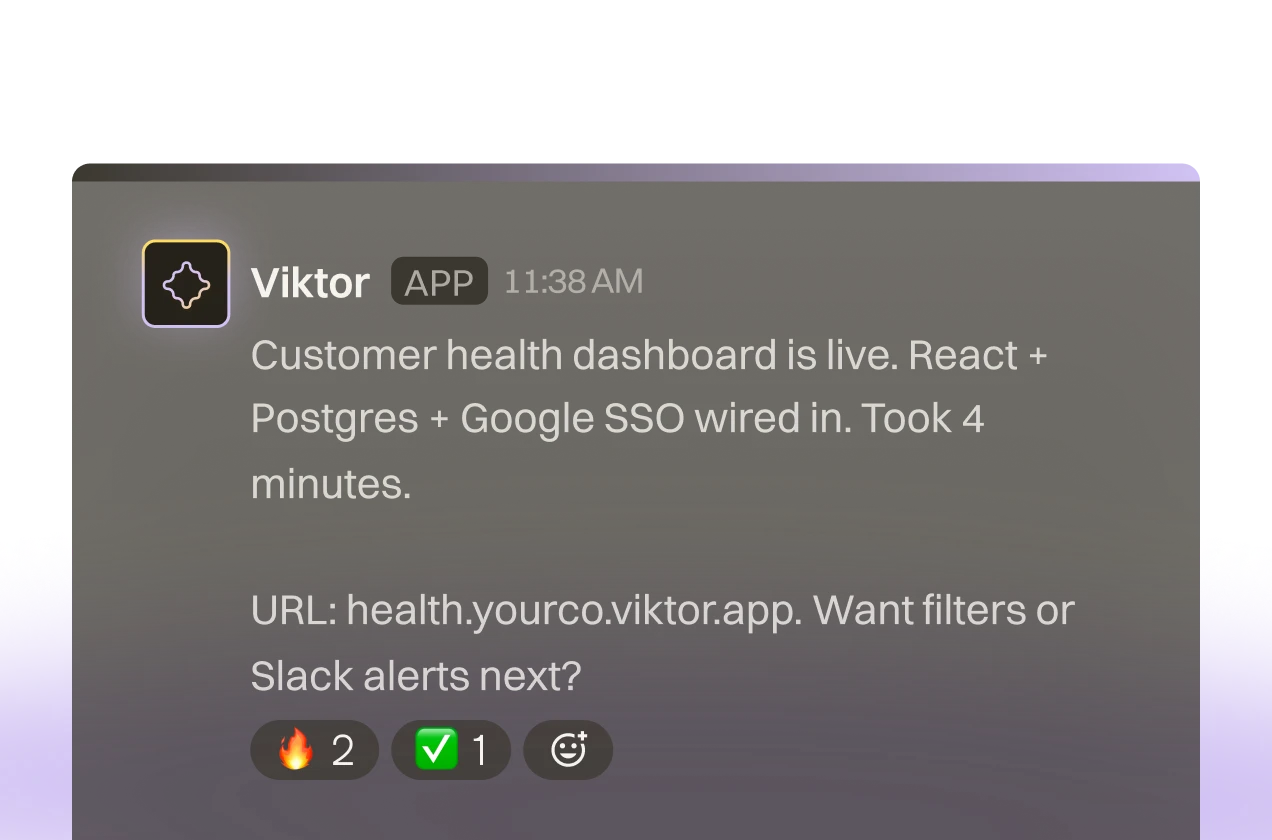
Internal Tools from a Slack Message

Need a client dashboard or internal tracker? Viktor builds and deploys real web apps. No tickets, no sprint planning.
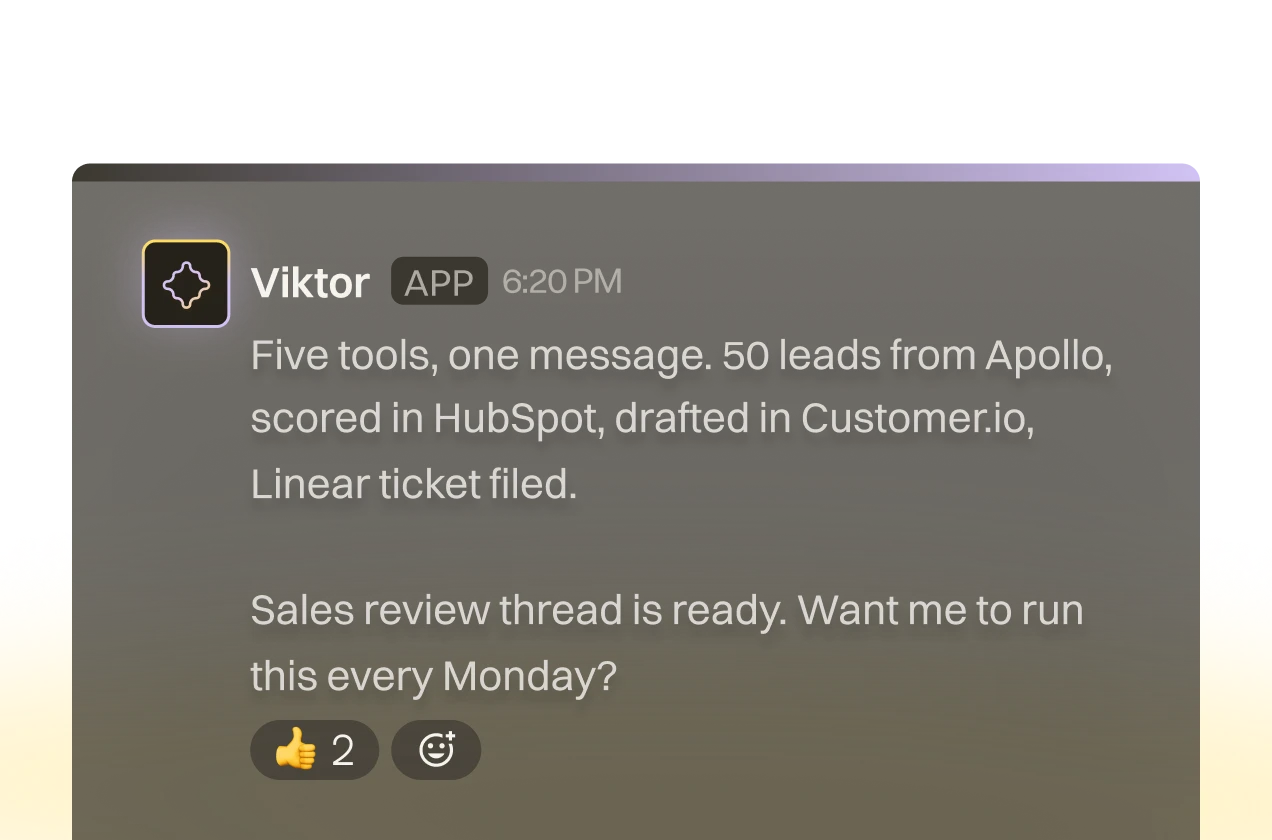
3,000+ Tools, One Conversation

3,000+ Tools, One Conversation

Viktor connects to your entire stack. Stripe, Notion, HubSpot, Linear, GitHub, Google Ads, and 3,000 more. One message spans everything.

How it works

01

Connect your stack

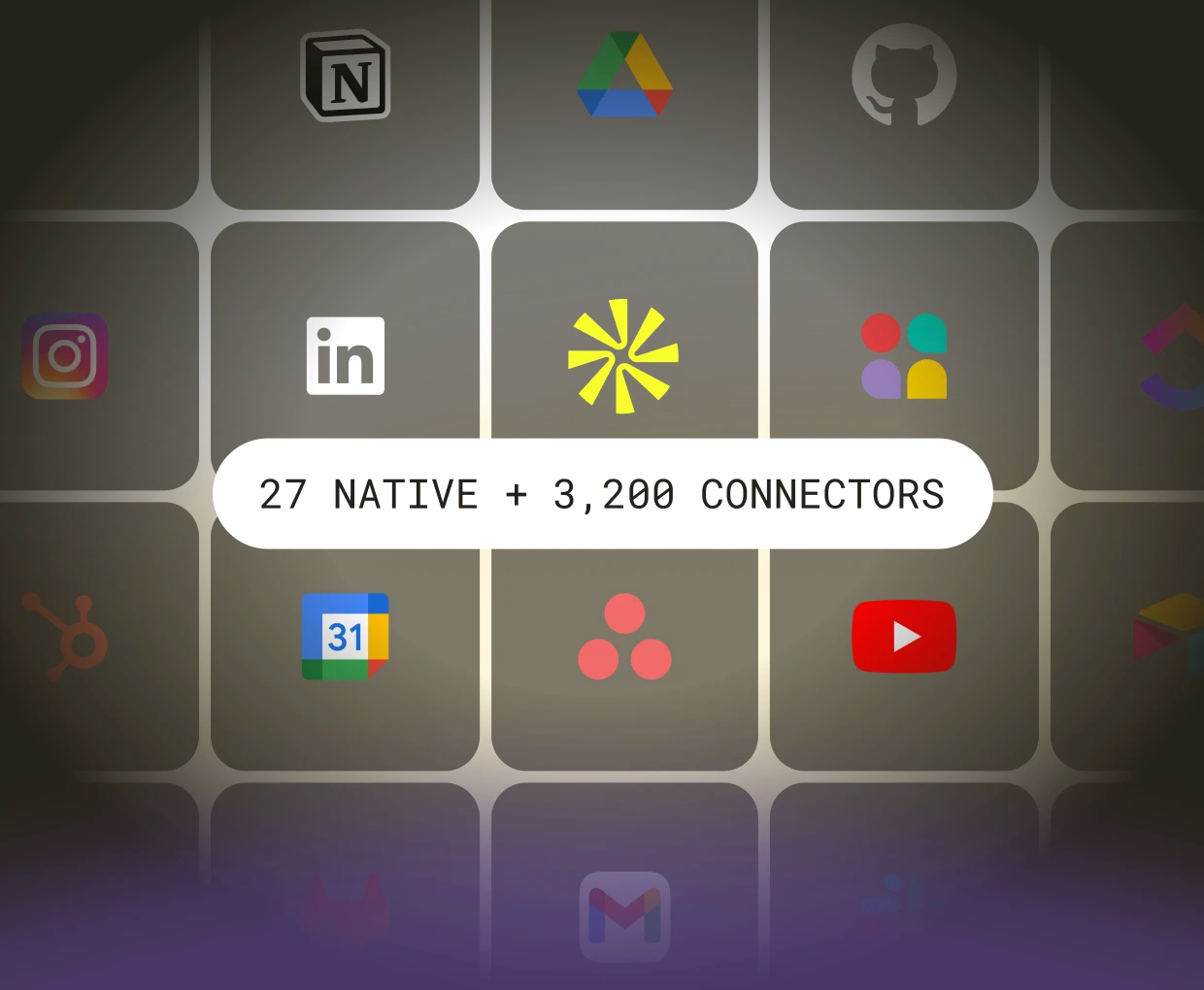
27 native integrations. 3,200+ tools via managed connectors. Most are one-click OAuth, some use API keys - Viktor handles auth and starts working. No webhooks, no Zapier zaps.
02

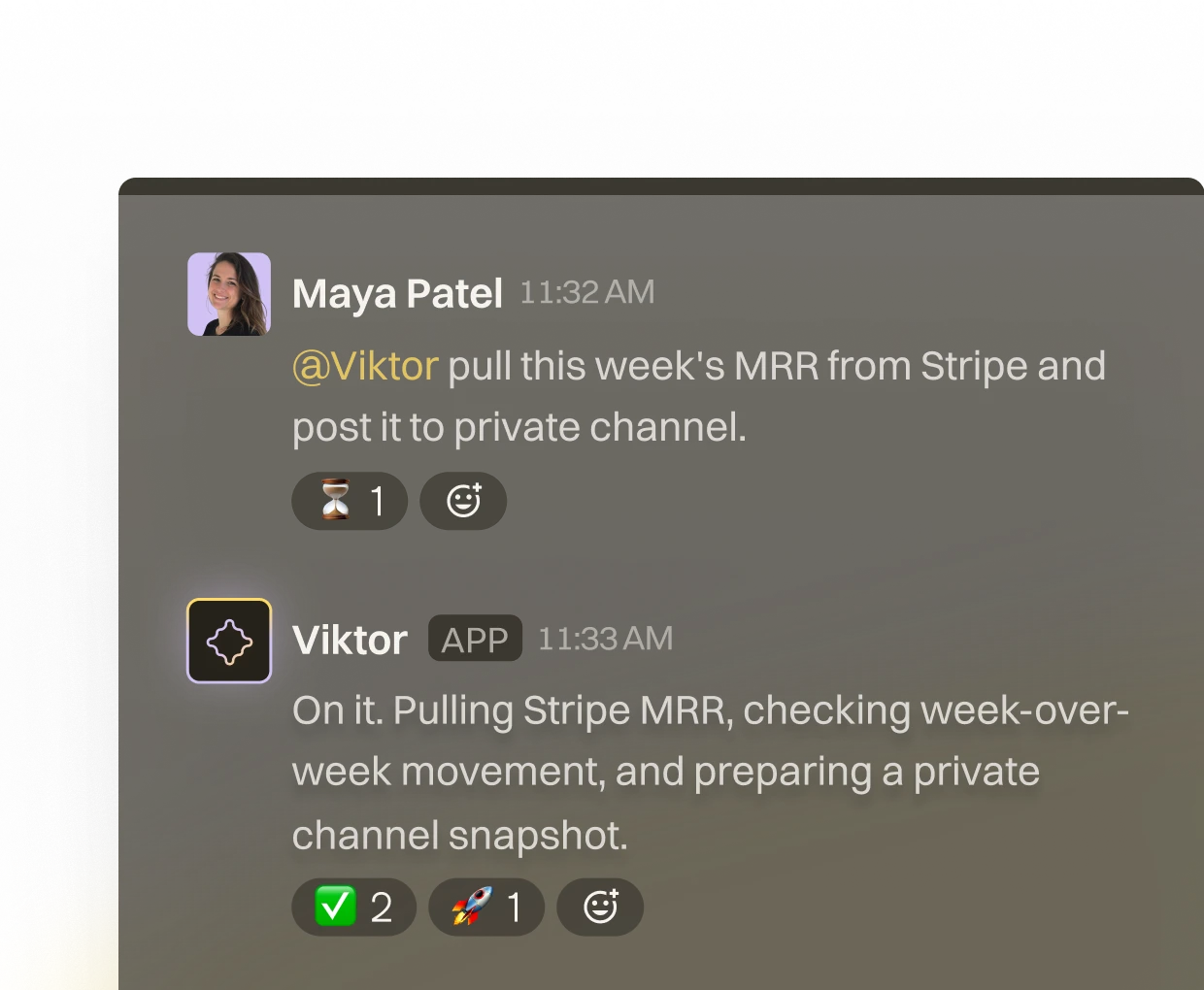
Tell Viktor what you need

Message Viktor in Slack like you'd message a teammate. "Pull this week's MRR from Stripe." "Triage new Linear bugs." "Pause Meta campaigns above $40 CPA." Plain English, any tool.
03

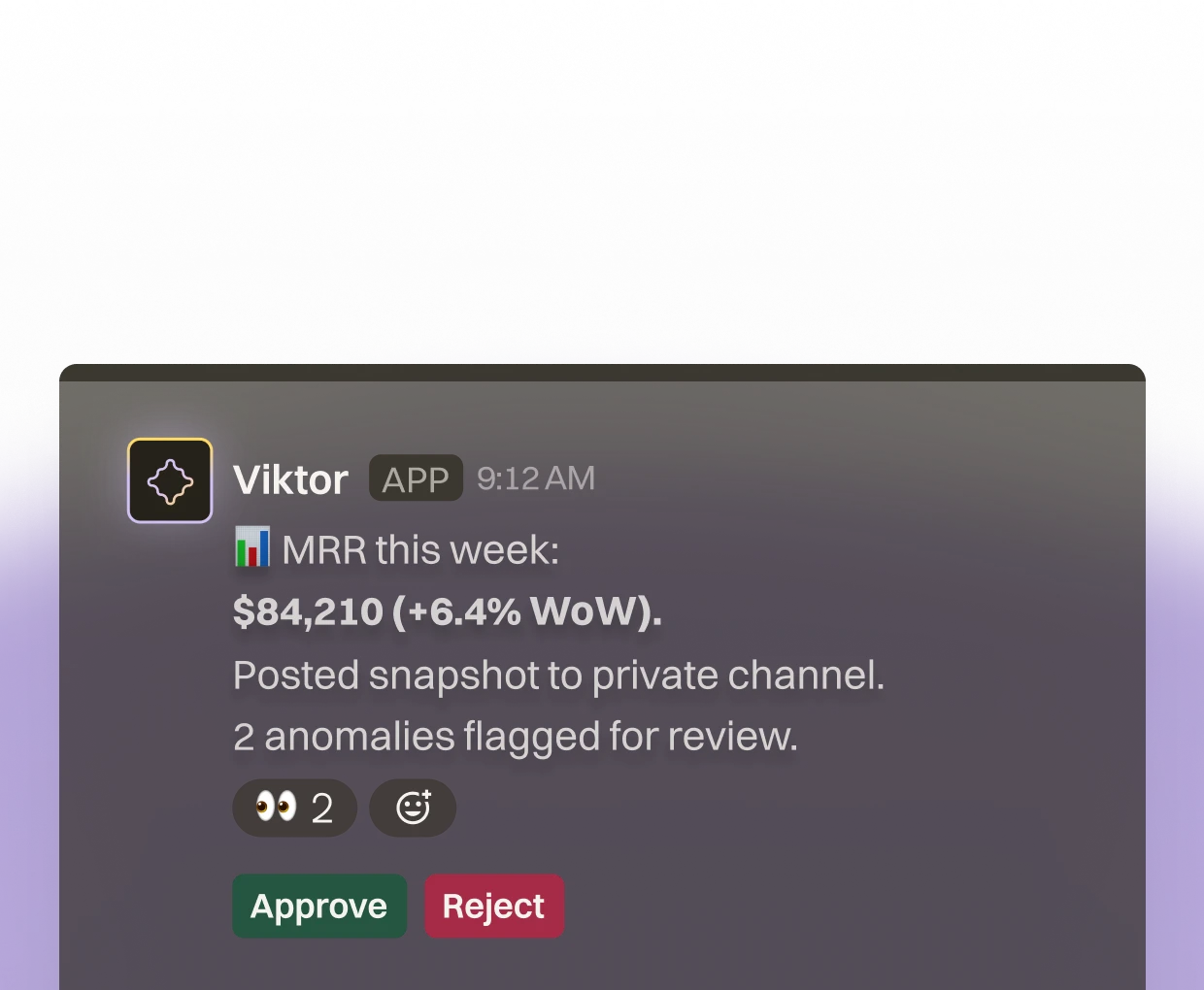
Viktor operates, you review

Viktor opens the tools, runs the work, and posts back what changed. Sensitive actions wait for your approval. Everything is logged. You stop doing the work and start reviewing it.

Product Demo

One Slack message. Viktor pulled the data, ran the analysis, and delivered the report

Get Started For Free

What our customers say

Saved:10+ hours/week

"Mindblowing all-in-one AI which does everything in a single solution."

Saved:10+ hours/week

"Viktor is like the most capable all-round colleague you can imagine."

Saved:10+ hours/week

"Viktor is an incredible tool - it was almost instantly adopted by the bulk of my team."

FAQ

Viktor is an AI coworker that lives in Slack. It has its own computer in the cloud where it writes and runs code to complete tasks. It's not a chatbot — it's a colleague that does real work.

Most AI tools generate text. Viktor executes. It has a persistent workspace, connects to your actual tools, and performs actions — sending emails, updating CRMs, building apps, generating reports. You don't copy-paste outputs. Viktor does the work end-to-end.

Automate recurring workflows. Pull data from multiple tools. Build and deploy web apps. Create and edit documents. Browse the web. Research competitors. Generate reports. Anything you can describe, Viktor can probably code and execute.

Over 3,000 — including Salesforce, HubSpot, Linear, Notion, Jira, Stripe, GitHub, Google Drive, Slack, and more. If your tool isn't supported, Viktor can build a custom integration.

Yes. Each user gets an isolated compute environment. Viktor only accesses tools you explicitly connect. Data is encrypted in transit and at rest. We don't train on your data.

Viktor only sees channels it's invited to. You control where Viktor can read and respond. It remembers context to be helpful, but you can remove it from any channel at any time.

Viktor reads conversations in channels it joins, observes workflows, and builds a knowledge base over time. It documents what it learns in "skills" — internal notes it references to work more effectively with your team.

Yes. Viktor is capable, not infallible. It double-checks its work and asks for confirmation before high-stakes actions like sending emails or deploying to production. You stay in control.

Viktor will tell you. If a task requires an integration it doesn't have, it'll ask you to connect it. If something is genuinely outside its capabilities, it'll say so rather than guess.

Minutes. Install Viktor in Slack, connect the tools you want, and start working. Viktor handles onboarding itself — it'll introduce itself and ask what you need help with.

Yes. Viktor works across your Slack workspace. Anyone can mention @Viktor. It maintains context about the whole team while respecting individual preferences

Slack is Viktor's home, but its work extends everywhere — it connects to external tools, deploys apps to the web, and can send emails on your behalf. You interact via Slack; Viktor works across your stack.

Click "Add Viktor to Slack" and follow the prompts. Viktor will introduce itself and help you connect your first tools. You'll be working together in minutes.

Yes, all integrations are shared across your entire team. When you connect an integration (e.g., your email), every team member will have access to it. This is great for shared resources like team inboxes, support channels, or company-wide tools—but keep in mind it's not ideal for personal or private accounts. Only connect integrations you're comfortable sharing with your whole team.

Viktor operates as a shared team assistant — similar to a colleague who participates in meetings across your organization. Within a shared workspace, Viktor has context from public channels and DMs to be maximally helpful. If you need private, isolated conversations, we're building a Private Mode that will provide per-user isolation with personal integrations and private chats. This is on our near-term roadmap.

When you disconnect an integration, Viktor stops pulling new data from that source immediately. Because Viktor synthesizes information across your workspace (notes, summaries, learned context), some insights derived from that integration may persist in its working memory — just like a colleague who remembers what they learned. If you need a complete reset, we offer a Clean Workspace option that wipes all of Viktor's stored data while keeping your account intact.

Viktor currently operates at the workspace level — all team members on a plan share the same Viktor instance and context. We're actively building role-based access controls (RBAC) and per-user scoping so teams can define who Viktor shares information with. In the meantime, we recommend treating Viktor like a shared team resource and avoiding sharing sensitive personal information in DMs.

Yes. All data in transit is encrypted via TLS, and data at rest is encrypted using industry-standard encryption. Viktor is covered under our SOC 2 Type 1 compliance (with Type 2 in progress), and we're pursuing ISO 27001 certification. We take infrastructure security seriously and are continuously improving our security posture.

Absolutely not. Each team's Viktor instance is completely isolated from other teams. Your data is never shared with, or accessible to, other organizations. The workspace boundary is a hard technical boundary — not just a policy.

Yes. You can request a full workspace data wipe at any time through your account settings (Clean Workspace), or by contacting our support team. This removes all of Viktor's stored data, learned context, and integration history for your workspace. You can also fully delete your account if needed.

Viktor reads messages in channels it has been added to, in order to understand your team's context and provide relevant help. It uses this context to answer questions, draft messages, and complete tasks. Viktor does not train any external AI models on your data — your messages are used solely to power your team's Viktor instance.

Viktor is SOC 2 Type 1 compliant (under our parent company Zeta Labs / Jace AI), with SOC 2 Type 2 and ISO 27001 currently in progress. We're also pursuing Slack Marketplace approval, which includes Slack's own security review process.

We're actively building: Private Mode — isolated, per-user conversations with personal integrations. Role-based access controls — define what Viktor can share and with whom. Per-user token scoping — individual OAuth connections instead of shared tokens. Data retention controls — configurable auto-purge policies. Sensitive data handling — automatic detection and protection of sensitive content. We're shipping these as fast as we can — they're our top priority alongside stability.

Start free.Pay only when you're ready.

Every feature. Every integration. $100 in credits on the house. No credit card, no sales call, no catch. When you need more, it starts $50/month.

3,000+ integrations
Slack and Teams
Reports, dashboards, apps
Code and PR reviews
SOC 2 compliant